Create your label template
Start with a blank label or import a PDF, PNG, JPEG, WebP, or TIFF. Set the finished size in Frame and the paper in Page. Add text, barcode or QR fields, each bound to one reusable variable such as {{Name}} or {{SKU}}.
 PrintPiperOpen app
 Turn Excel workbooks or CSV files into address labels, name badges, certificates, and custom-size label PDFs. Add text, barcodes or QR codes to a reusable PDF or image template, connect your columns, then generate individual labels or pre-cut label sheets.
Open PrintPiperLESS REPETITION. MORE DONE.
Start with a blank label or import a PDF, PNG, JPEG, WebP, or TIFF. Set the finished size in Frame and the paper in Page. Add text, barcode or QR fields, each bound to one reusable variable such as {{Name}} or {{SKU}}.
Save your template, then import an XLSX, XLS or CSV file in the right panel. For Excel, choose a sheet and click the row with column names. Connect those columns to your template variables.
Preview your rows, choose PDF, PNG or TIFF, and click Generate files. When the files are ready, click Download. Print at Actual size / 100%.
ONE DESIGN. A WHOLE LIST OF POSSIBILITIES.
For the orders you send, the things you make, and the people you bring together.
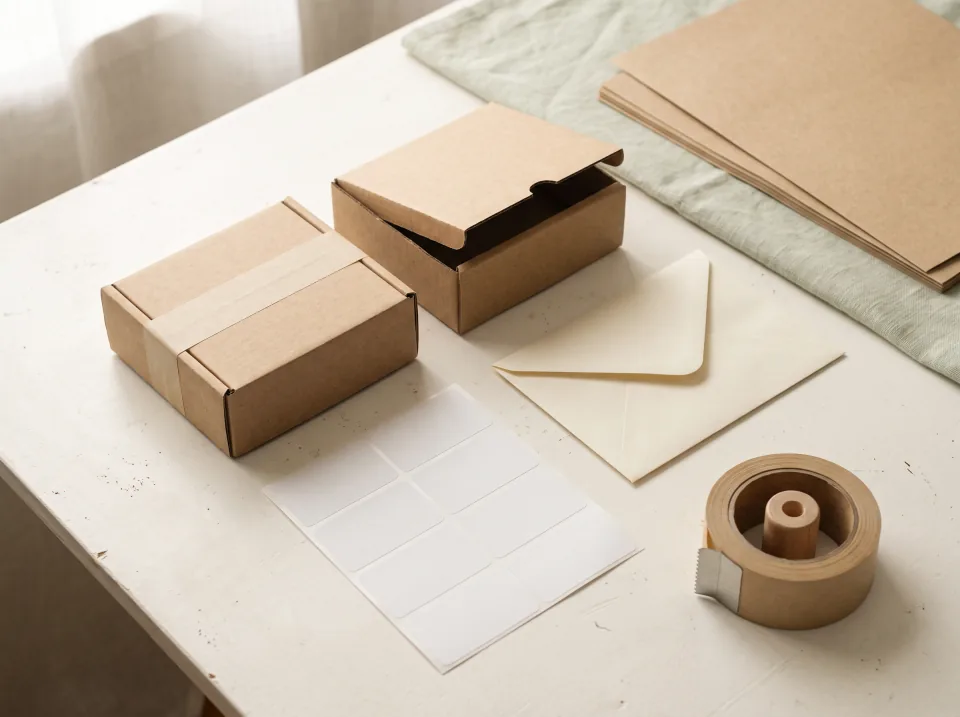
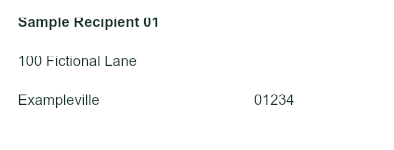
01 / Mailing & fulfillment
Turn your address list into Avery 5160 / 8160 sheets. Fill 30 label positions per Letter page, including a partly used first sheet.
Read the mailing label guide
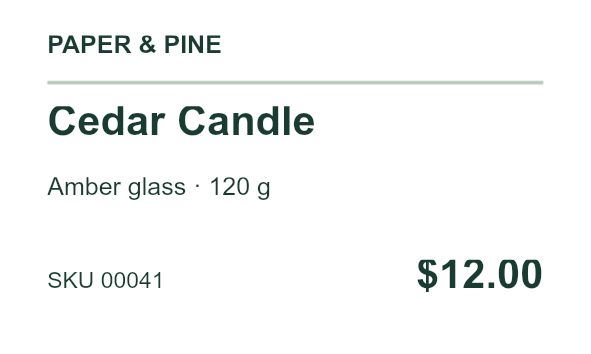
02 / Small shops & makers
Keep one label design for your collection. Change product names, variants, SKUs and prices from Excel; add barcode or QR fields to a reusable design. The five-product preview shows text only.
Read the product label guide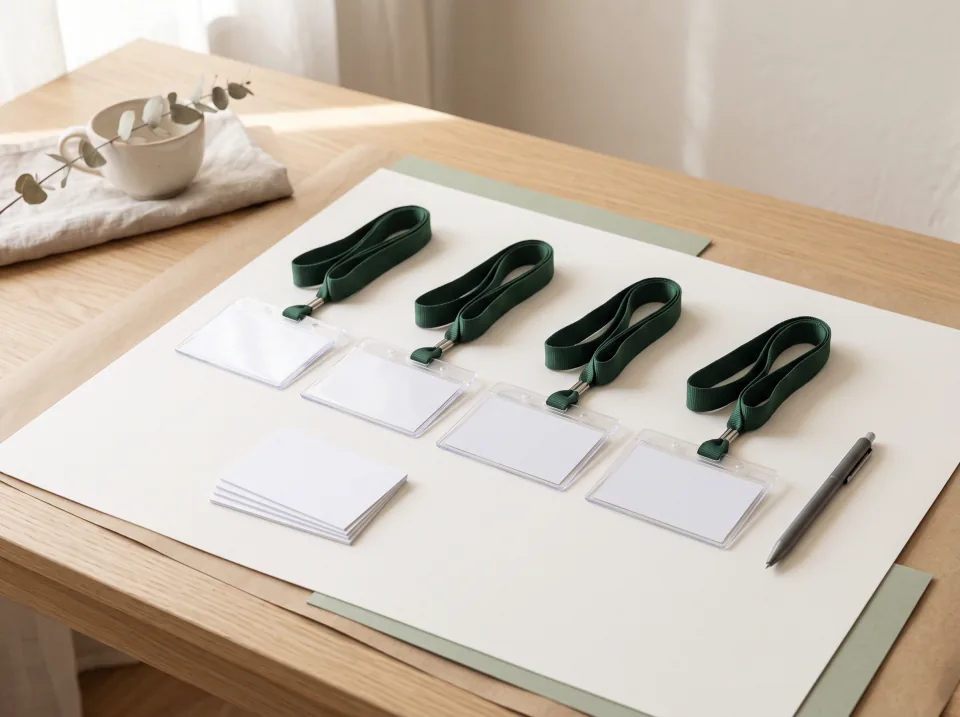

03 / Events & communities
Give every guest a readable name badge or name tag with their name, company and role. Reuse your event artwork for the next attendee list.
Read the name badge guide
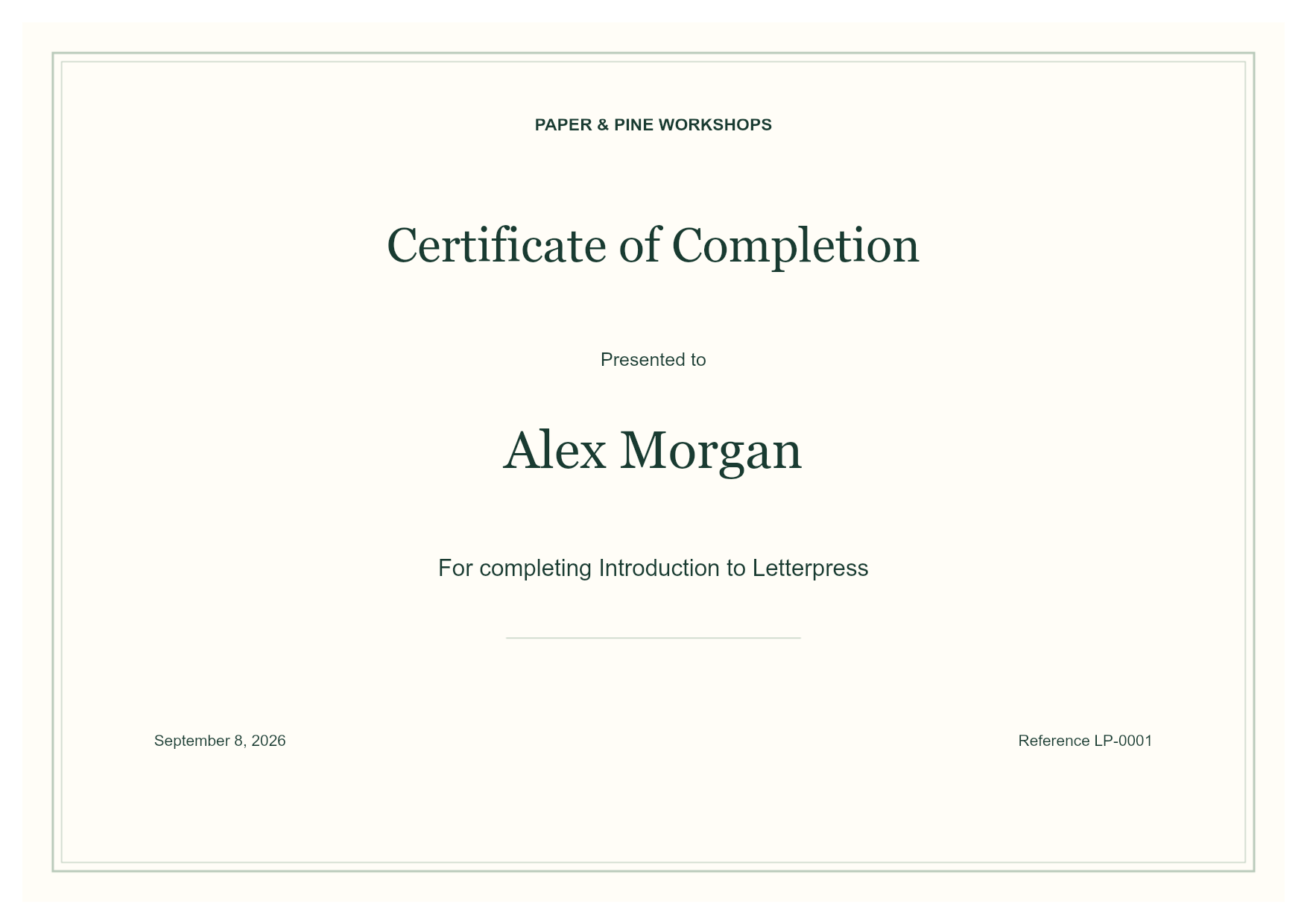
04 / Workshops & training
Start with a certificate design and a completion list. Place each person’s name, course, date and reference number on their own PDF page.
Read the certificate guideScenes are illustrative. Each example preview is generated with PrintPiper.
Avery 5160 / 8160 (30 labels), 5163 / 8163 (10 labels), and 8167 / 5167 (80 labels) on US Letter; custom labels on A4, Letter, or your own paper size. Enter dimensions in millimeters or inches.
Keep finished dimensions in Frame and paper dimensions in Page. One sheet places one piece; Grid sheet auto-fits pieces inside the printable area without resizing them.
Use Code 128 for printable ASCII SKUs, EAN-13, EAN-8, UPC-A or UPC-E for numeric codes, and QR for links or Unicode text. Text and code fields can share a variable and a single column connection.
Invalid values or symbols that do not fit stop export. Test your printed labels with the intended scanner before a full batch.
CHOOSE BY PRINT TASK
Each tool is designed around a different source and finished print job.
Merge Excel or CSV rows into labels, name badges, and personalized documents.
PrintPiperArrange several photos, mixed finished sizes, and copies on the same page.
Use PrintExactlyTile a poster, map, blueprint, pattern, image, or PDF over multiple sheets.
Use PrintTilerSIMPLE MONTHLY PLANS
Try a reusable design with a small batch.
$0 USD / month
For regular label and document batches.
$4.99 USD / month
Keep more reusable designs ready to print.
$9.99 USD / month
Paid plans renew monthly. Taxes may be added at checkout. Cancel before renewal to keep access through the end of your paid period.
Compare plans and read billing details →Excel and CSV data and generated documents stay on your device. Saving a template to your account uploads its artwork and field settings. Save once, then reuse the template with new data files.
START WITH WHAT YOU ALREADY USE
Import XLSX or XLS directly, choose your data rows, and download a custom label PDF without Word.
THE ADDRESS LABELS GUIDEBuild an address-block design once, then print mailing labels from any Excel or CSV list on Avery 5160 sheets.
THE GOOGLE SHEETS GUIDEDownload one sheet as CSV and make labels without a Sheets add-on.
THE APPLE NUMBERS GUIDEExport your Numbers table to Excel or CSV and make labels without a Pages mail merge.
THE AVERY 5160 GUIDEDownload a free starter template, then fill pre-cut Letter sheets from Excel or CSV, including partly used sheets and printer alignment adjustments.
THE CSV GUIDEPrepare headers, preserve postal codes, and merge rows into a PDF template.
THE CHRISTMAS GUIDEFill Avery 5160 / 8160 sheets with festive address and return-address labels from Excel or CSV.